A little clarity.
Before the
doctor’s visit.
Hear printed medicine names. Find the words to explain how you feel. Two everyday tools, in your language.
Android only · Google Drive may ask you to confirm the download.
Classroom demonstration. Not medical advice.
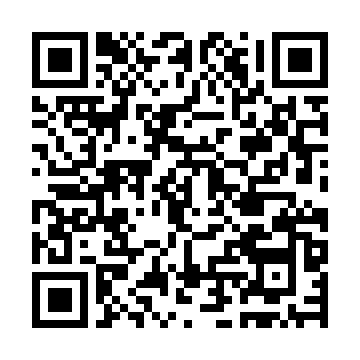 On a computer?
Scan with your Android phone.
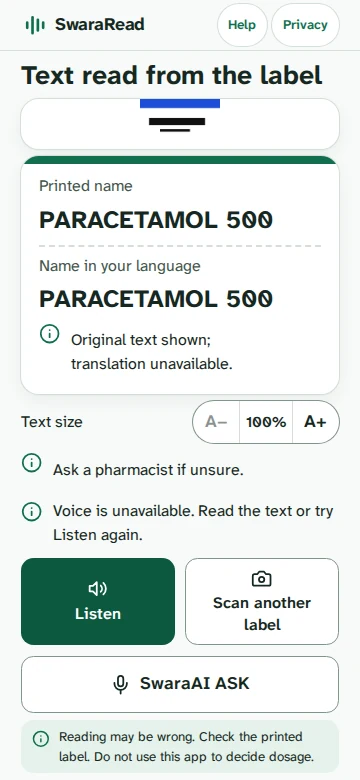

MedScanRead it. Hear it.
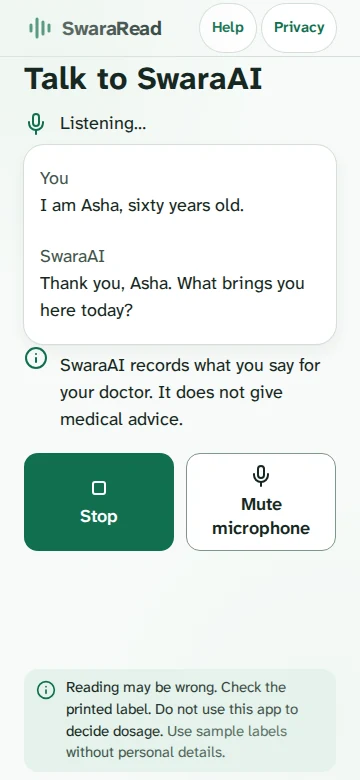
ConsultTell your story.
Healthcare conversations begin with understanding.
Small moments.
A clearer way through.
SwaraRead is a simple, phone-first companion for two moments that matter: reading a medicine name and preparing to speak to a doctor.
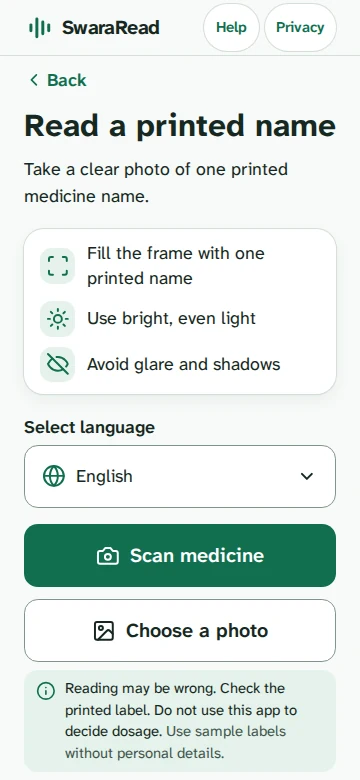
The name on the label, finally legible.
A printed name can be hard to read. MedScan helps make the words larger, and gives you a way to listen to them.
Name recognition can be wrong. Always check the printed label.
More than a symptom.
Your whole story.
It is not always easy to explain how you feel. Talk to SwaraAI in your language. It organizes your concerns and patient details into a report for your doctor. Review it for errors before sharing.
Your language.
Your own words.
Start with the language that feels like yours. SwaraRead currently offers eleven languages, so reading and speaking feel a little more natural.
11Indian languagescurrently available
Thoughtful by design.
Clear about its limits.
Designed to be heard
Large text, straightforward controls, and spoken names help make printed words easier to access.
Language is a choice
Choose a language at the start, and use the same familiar interface as you go.
Consent comes first
The app asks before sending a photo or voice to Google Gemini. Reports are made on the phone.
An important note. SwaraRead is a development/classroom demonstration. It does not identify or verify medicine, diagnose, or give dosage advice. Check labels and speak with a pharmacist or doctor.
Learn moreA few honest answers.
Knowing what a tool cannot do is just as important as knowing what it can.
Start with a little more clarity.
Download the APK on an Android phone. Google Drive may ask you to confirm the download.
Download Android APKScan to download Android APK